
Online Whiteboard — Free Collaborative Whiteboard | HuddleIQ
HuddleIQ is a free online whiteboard platform that enables visual collaboration for teams anywhere. Key capabilities include: intelligent diagramming for creating detailed drawings, charts, and diagrams; real-time education and demonstration features with video conferencing; task management with built-in Kanban boards and 100+ templates; and seamless document support for engaging presentations and lessons.
What Is an Online Whiteboard?
An online whiteboard — sometimes called an internet whiteboard or virtual whiteboard — is a shared digital canvas that lets teams draw, write, add sticky notes, and build diagrams together in real time from any browser, with no physical whiteboard or download required. Unlike a traditional whiteboard, an online whiteboard gives you an infinite canvas, unlimited reusable templates, and a permanent record of your work that everyone can access from anywhere.
HuddleIQ brings all of this together in one place: an infinite, collaborative canvas with 100+ ready-made templates, built-in video conferencing, and real-time editing so distributed teams can brainstorm, plan, teach, and run workshops exactly as they would in the same room.
Real-Time Collaboration From Any Browser
The whole point of an online whiteboard is working together, live. In HuddleIQ, every team member can add ideas to the same board at once — sticky notes, shapes, drawings, cards, and comments all update instantly for everyone. Built-in video and screen conferencing means you can see, hear, and work alongside your team without switching to a separate call. Polls, votes, and chat keep everyone engaged, and because it runs in the browser on Chrome, Edge, Safari, and Firefox, there is nothing to install.
Whiteboard For Online Diagramming and Drawing
HuddleIQ is the perfect tool for creating detailed drawings, charts, and diagrams. You can quickly and easily create stunning visual effects that will impress your audience.
Intelligent diagramming is a powerful tool that can help teams to better understand complex issues, make more informed decisions, and plan for the future.
By visualizing information and relationships, teams can more easily identify patterns and trends, spot potential problems and opportunities, and develop creative solutions.
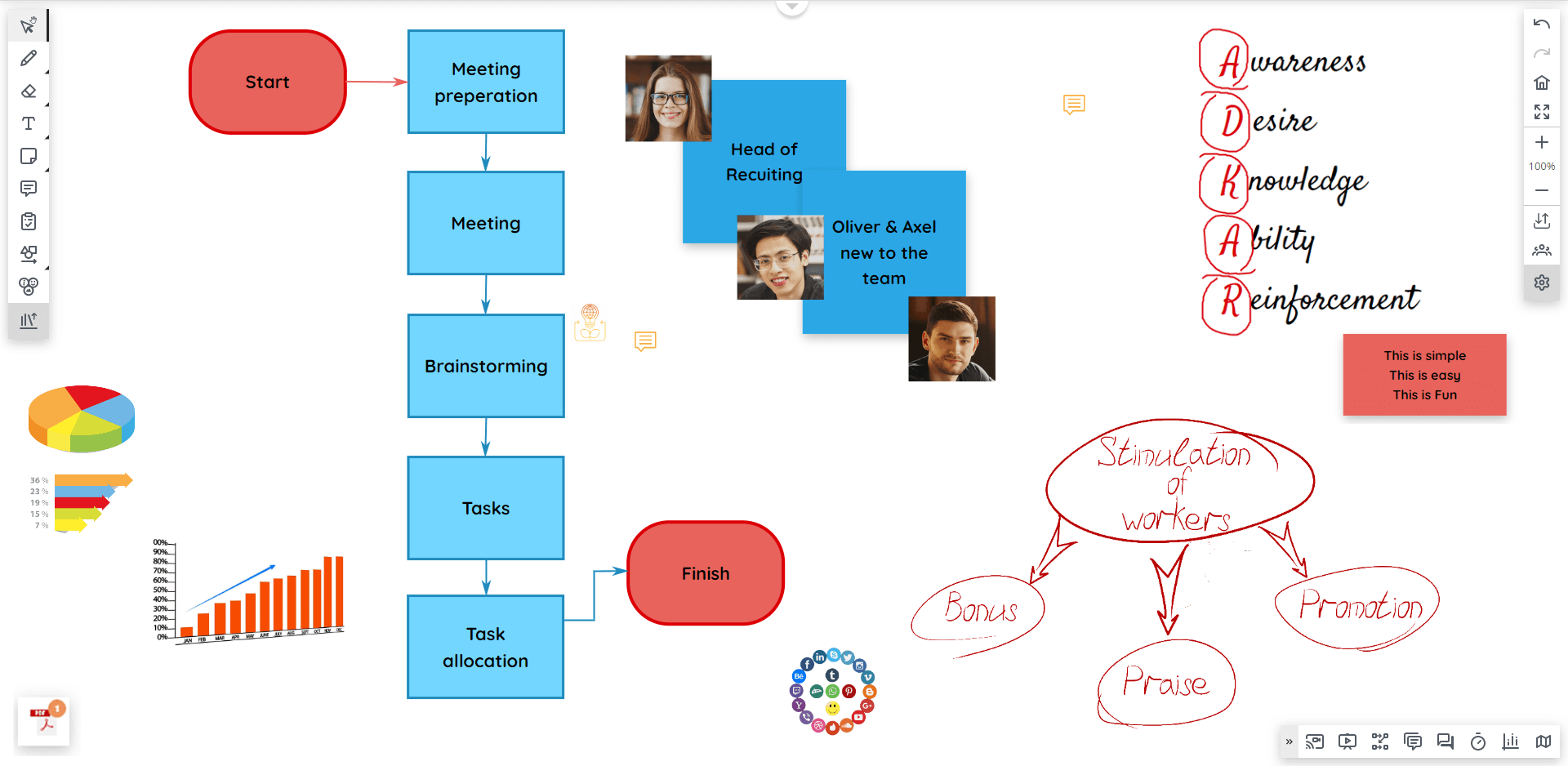
Online Whiteboard for Education and Demonstrations
HuddleIQ’s online whiteboard is perfect for real-time collaboration with your team. You can use it for demonstrations, education, and coaching.
Our tools help you turn your ideas into visuals in real-time. Get your audience involved with features like polls, votes, and chat. Take advantage of our vast document support and access to millions of resources, all while video conferencing seamlessly.
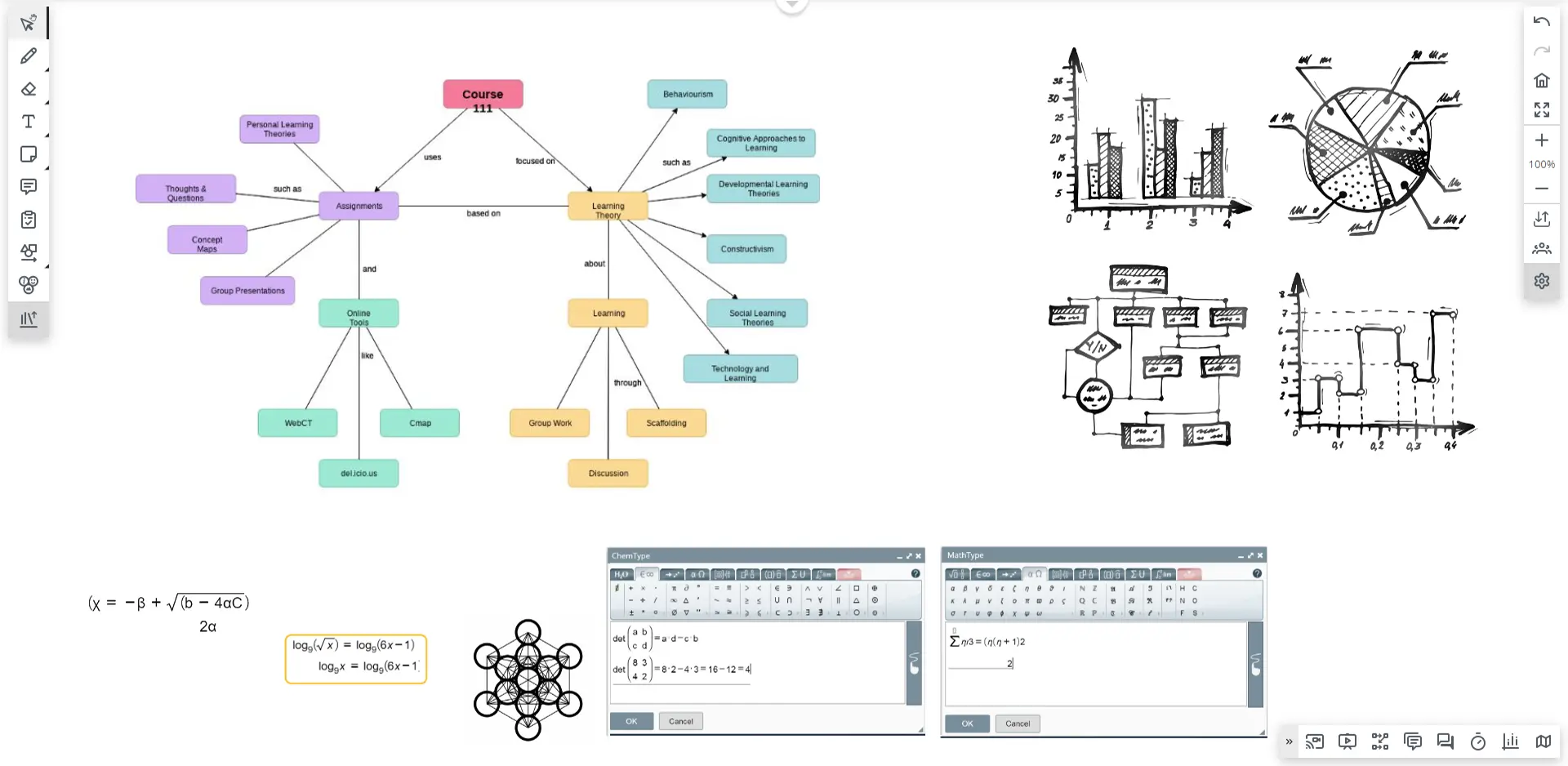
HuddleIQ is the perfect online whiteboard solution for teaching. On top of its powerful demonstration features, it provides customizable templates for education, classroom management, and equation writing.
HuddleIQ makes it easy to deliver engaging and effective lessons.
Powerful For Task Management
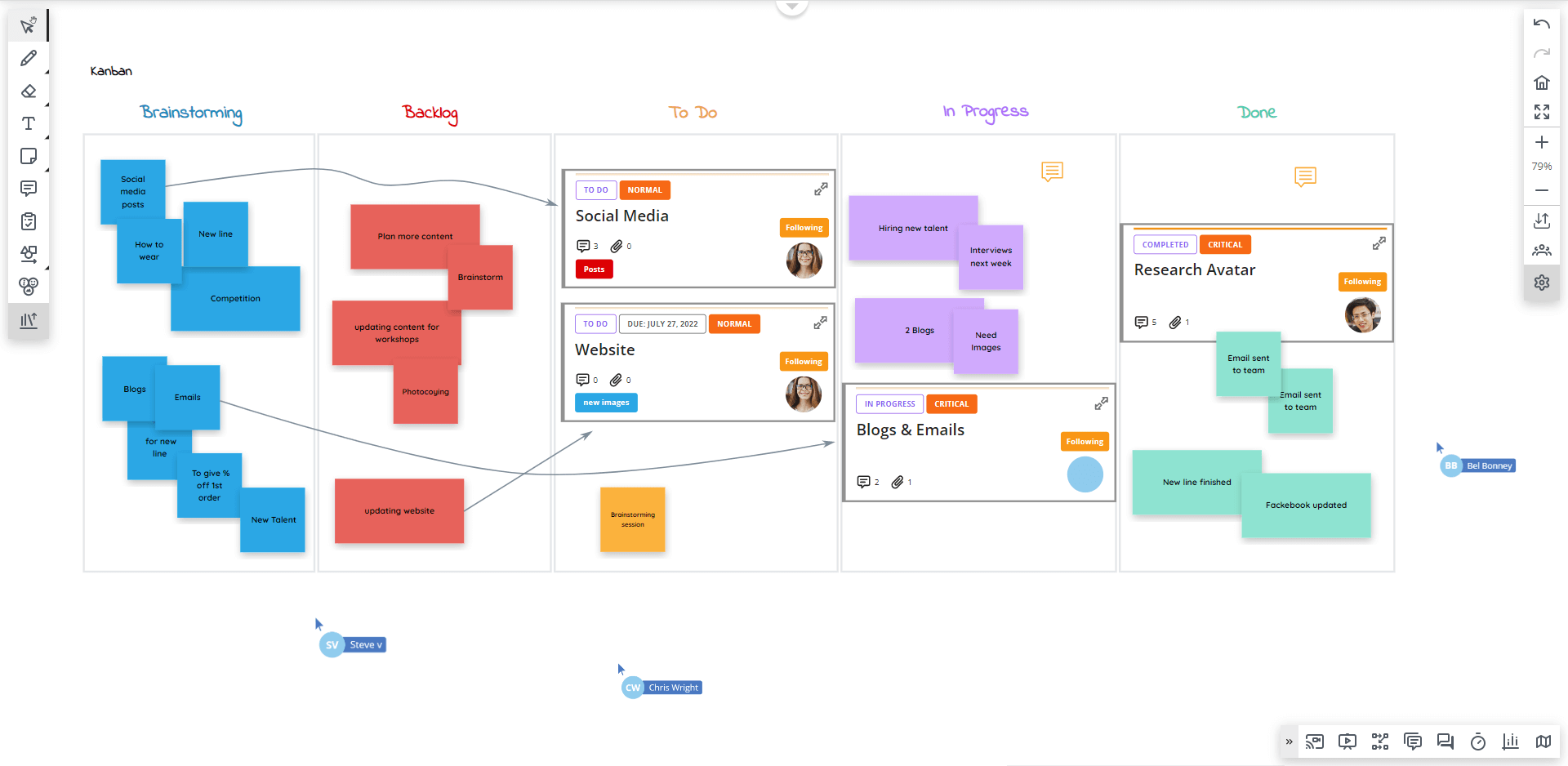
Task management is a breeze with HuddleIQ. The online whiteboard allows you to create tasks, add task details and assign them to members of your team.
You can also use the built-in Kanban board or hundreds of other templates that are included in our online whiteboard to manage projects with ease!
Track completion rates, manage priorities, and share comments across the team.
The online whiteboard can also be used to create a calendar and keep track of appointments.
Compare HuddleIQ & Explore More
See how HuddleIQ stacks up and explore what it can do:
- Compare: HuddleIQ vs Miro · Miro alternative · Mural alternative
- For education: Education Free plan · accessibility for users with disabilities
- What’s new: Turbo Mode — 2× faster · Precision Eraser · Linkable Cards · May 2026 release
Frequently Asked Questions
What is HuddleIQ online whiteboard?
HuddleIQ is a free online whiteboard platform for visual collaboration that helps teams diagram, educate, demonstrate, and manage tasks together. It features intelligent diagramming tools, real-time collaboration, 100+ templates, video conferencing integration, and Kanban boards for project management.
What can I create with HuddleIQ’s diagramming features?
You can create detailed drawings, charts, diagrams, flowcharts, and visual effects. The intelligent diagramming tools help teams understand complex issues, make informed decisions, and plan for the future by visualizing information and relationships between elements.
Does HuddleIQ support education and demonstrations?
Yes, HuddleIQ is ideal for real-time education, demonstrations, and coaching. Features include customizable templates, equation writing tools, polls, votes, chat, vast document support, and seamless video conferencing for engaging and effective lessons.
How does task management work in HuddleIQ?
HuddleIQ includes built-in task management with Kanban boards and hundreds of templates. You can create tasks, add details, assign team members, track completion rates, manage priorities, share comments, and even create calendars to track appointments.
Is HuddleIQ’s online whiteboard free?
Yes. HuddleIQ offers a Free Forever plan with unlimited boards, so you can start using the online whiteboard at no cost. Verified educators and students also get an Education Free plan with unlimited whiteboards.
Do I need to download or install anything?
No. HuddleIQ runs entirely in your web browser — Chrome, Edge, Safari, and Firefox are all supported. There is nothing to download or install; just open a board and start collaborating.
Can my whole team work on the same whiteboard at the same time?
Yes. HuddleIQ is built for real-time collaboration, so multiple people can edit the same board simultaneously. Everyone sees sticky notes, drawings, shapes, and comments update live, and built-in video and screen conferencing lets you work together without a separate call.